
Post & ProfitBeginner Blueprint
The complete step-by-step guide - every prompt, template, and resource Pivotal Media promised on the webinar, all in one page.
Before You Begin
- Bookmark this page - it's your free cheat-sheet, prompt vault, and resource hub.
- Watch the replay above before working the steps.
- Work through the 10 steps below in order.
- Want to work with me personally? Click the button at the bottom of the page to register for your one-on-one mentorship.
Start Your Channel
- Go to YouTube.com and sign in with a fresh Google account dedicated to this brand.
- Click your profile picture → Create a channel.
- Upload a clean logo and banner - this can be done for free using Canva.
- Customize your channel → Settings → Channel → Country.
- Confirm your phone number to unlock custom thumbnails.
Done → you're ready for step 2 ✅
Choose Your Niche
This is the single most important decision you'll make. Pick from our pre-validated, high-CPM, low-competition niche list.
A strong niche has:
- Evergreen demand - searched the same in 2018 and today.
- Avoid oversaturated categories unless you have a sharp angle.
- High monetisation potential (US/UK/CA audience, finance, AI, etc.).
I've put together the niche list I promised for an overview of which niches are best to choose in 2026.
Name Your Channel
Pick a name that is easy to remember, brandable, and broad enough that you can pivot inside your niche.
If you want to easily pick a name for your channel, use the AI software I showed in the webinar called NameLix, which will generate the name for your channel easily and quickly.
Warning
AI Topic Research
Screenshot the top-performing videos from a competitor channel and paste the screenshot into ChatGPT. Then paste this prompt along with it and choose any of the 10 topics it comes up with.
I just uploaded a screenshot of a YouTube channel. Please analyze the visible video titles, thumbnails, and view counts. Identify the patterns in topic selection, content style, and any repeated high-performing themes. Based on that, give me a breakdown of what's working best and why - then suggest 10 fresh video topic ideas that align with those patterns but haven't been done yet on this channel.
Write a High-Converting Script
Use this prompt with ChatGPT, Claude, or Gemini:
You are an expert long-form YouTube scriptwriter in the [NICHE] niche. Write a 10-minute script for the title:

"[INSERT TITLE HERE]"

Structure it like this:

HOOK (first 15 seconds)
- One bold claim or open loop that forces the viewer to keep watching.
- Tease the payoff but do NOT deliver it yet.

INTRO (15–45 seconds)
- Quick context, why this matters, who this is for.
- Promise what they'll learn / get by the end.

BODY (5–8 sections, 1 idea per section)
- Each section: claim → proof/example → micro-takeaway.
- Use simple, conversational language. No corporate fluff.
- Add a re-hook every 90 seconds (curiosity, contradiction, payoff).

CTA (last 30 seconds)
- One single ask: subscribe / next video / lead magnet.
- Tease the next video to drive session time.

Tone: confident, friendly, no jargon. Read it out loud - every line must sound natural when spoken.
Generate Your Voiceover
- Copy your script.
- Paste it into ElevenLabs - choose one of the voices we recommended on the replay.
- Download as a single MP3 file or in chapters if your script is long.
Hire a Video Editor
- Post the job on Upwork or Fiverr.
- The average video will cost between $30 and $60, depending on length and quality. For example, a medium-quality 10–12 minute video should run around $30, while a super high-quality 10–12 minute video should sit around $50–$60.
Use Our In-House Software
If you want to skip the hiring process entirely, press the button below to access FacelessFrames. As a webinar attendee you'll unlock a slightly discounted rate - not the full student price of $1/minute, but you can use code VICTORUS at checkout to get professional editing at $1.30/minute. Your videos rendered in seconds, done for you.
Create a Thumbnail
Option A - From Scratch
Use ChatGPT to generate a prompt like:
Create a YouTube thumbnail for a video titled "[TITLE]" in the [NICHE] niche. Bold contrast, high curiosity, one clear focal subject, big readable 3-4 word overlay text.
Option B - Replicate a Winning Thumbnail
- Pick a thumbnail that went viral in your niche.
- Recreate the same layout, swap subject and copy.
- Keep your top-right and bottom-left zones uncluttered.
Pro tip
Option C - Hire a Thumbnail Artist
- Fiverr: search "YouTube faceless thumbnail" - average $5–20 per thumbnail.
- Upwork: post a job and screen for tone-match - use our JOB POST template.
Write the Perfect Title
Use this ChatGPT prompt:
Give me 10 YouTube titles that would beat this one:

"[YOUR OLD TITLE]"

Rules:
1. Under 70 characters.
2. Use a number, contrast, or curiosity gap.
3. Sound human, not clickbait. Make me NEED to click.

Then pick the strongest one and tell me why it wins. Re-write the runner-up so it'd also work as a swing if the first one underperforms.
You're Ready to Publish
- Upload at the time your audience is active.
- Add your title, description, and tags.
- Schedule or hit Publish - whichever fits your workflow.
- Pin a comment that opens a conversation - replies drive early ranking.
Welcome to the game. Let's see what you can build. 🚀
- Victor Catrina
Do you want personalised one-on-one coaching?
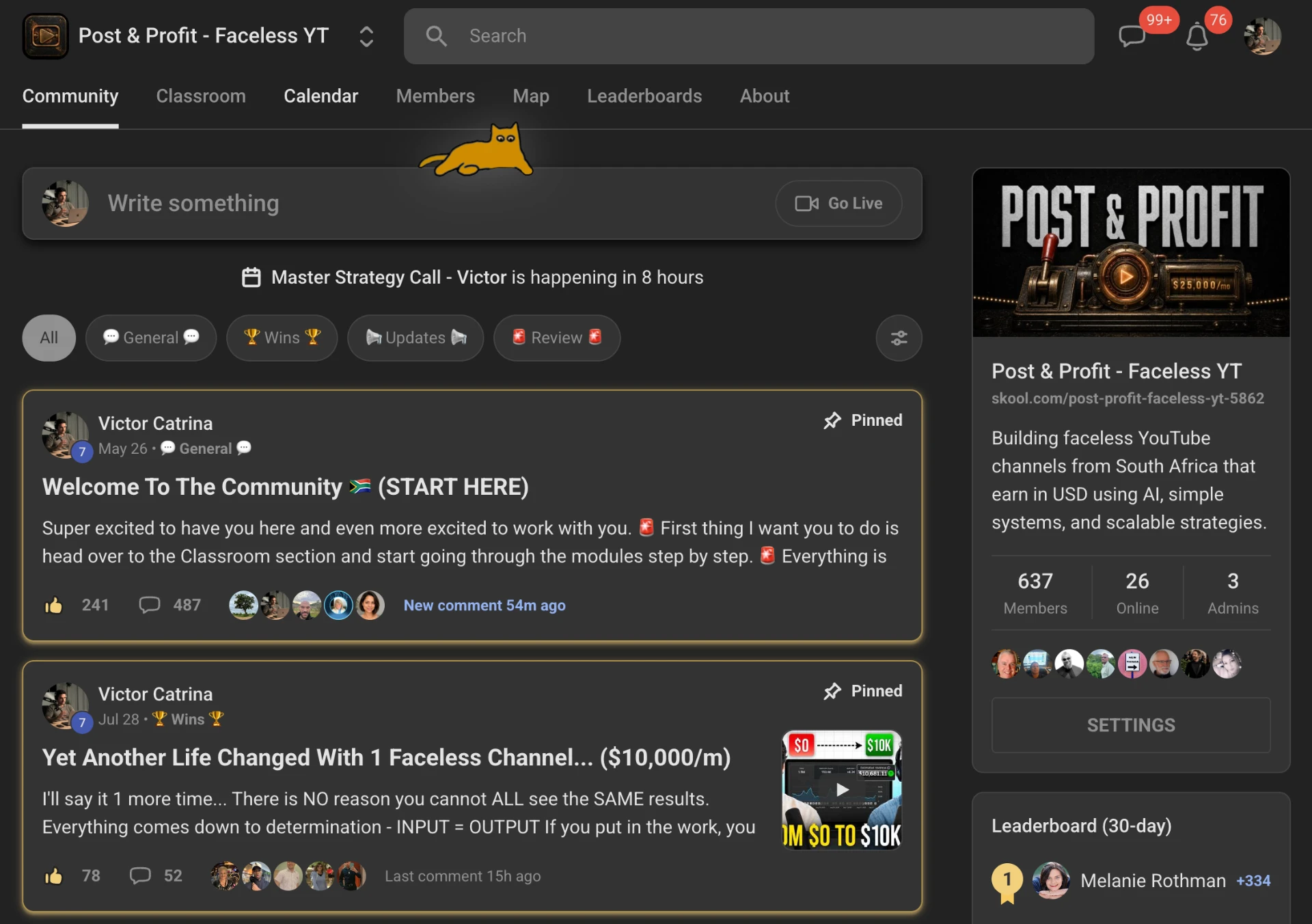
We've helped over a thousand beginners start and scale their YouTube channel and start earning through YouTube, and you could be next. If you want to have me hold your hand until you have a digital asset that is paying your bills, you can register below and sign up now for instant access to our program.
Everything inside the program
Comprehensive Video Modules
Full course material you can watch step-by-step, at your own pace, from setting up your channel to scaling your first profitable videos.
Ongoing Group Call Guidance
Weekly live group calls where we review your channel, answer questions, and keep you accountable until you see results.
South African Support Community
A private community of South African creators on the same journey - share wins, get feedback, and grow together.
© 2026 Post & Profit